Portrait Final Assignment
Animating Still Photos
Research:
The picture that i have chosen to animate is a picture that incorporates clouds therefore i had to first animation of clouds so I will have a better idea of what my end result would look like. The animation I looked at hadn't used PhotoShop but it didn't matter as I wasn't looking for the steps i was looking for the end result. The perfect example i found was from Stuck In Customs website in which the I saw the animation of clouds and it gave me pretty good idea of what my end result should be like. I made sure to not copy the animation but it had set a standard before hand for my animation result.

Animating Process:
I divided my animation process into steps to I can go through the steps and check off the Step i completed and moved on to the other step. I have also shared this so anyone who sees this blog has a better idea of what steps i followed to achieved the end result.
Choosing the Image for the Animation
As we are in a pandemic therefore I wasn't able to click the Portrait myself because I didn't have DSLR and I searched through the Portraits that were already available to me and the picture i choose is this one:
 |
| Still Picture |
Manipulating Image:
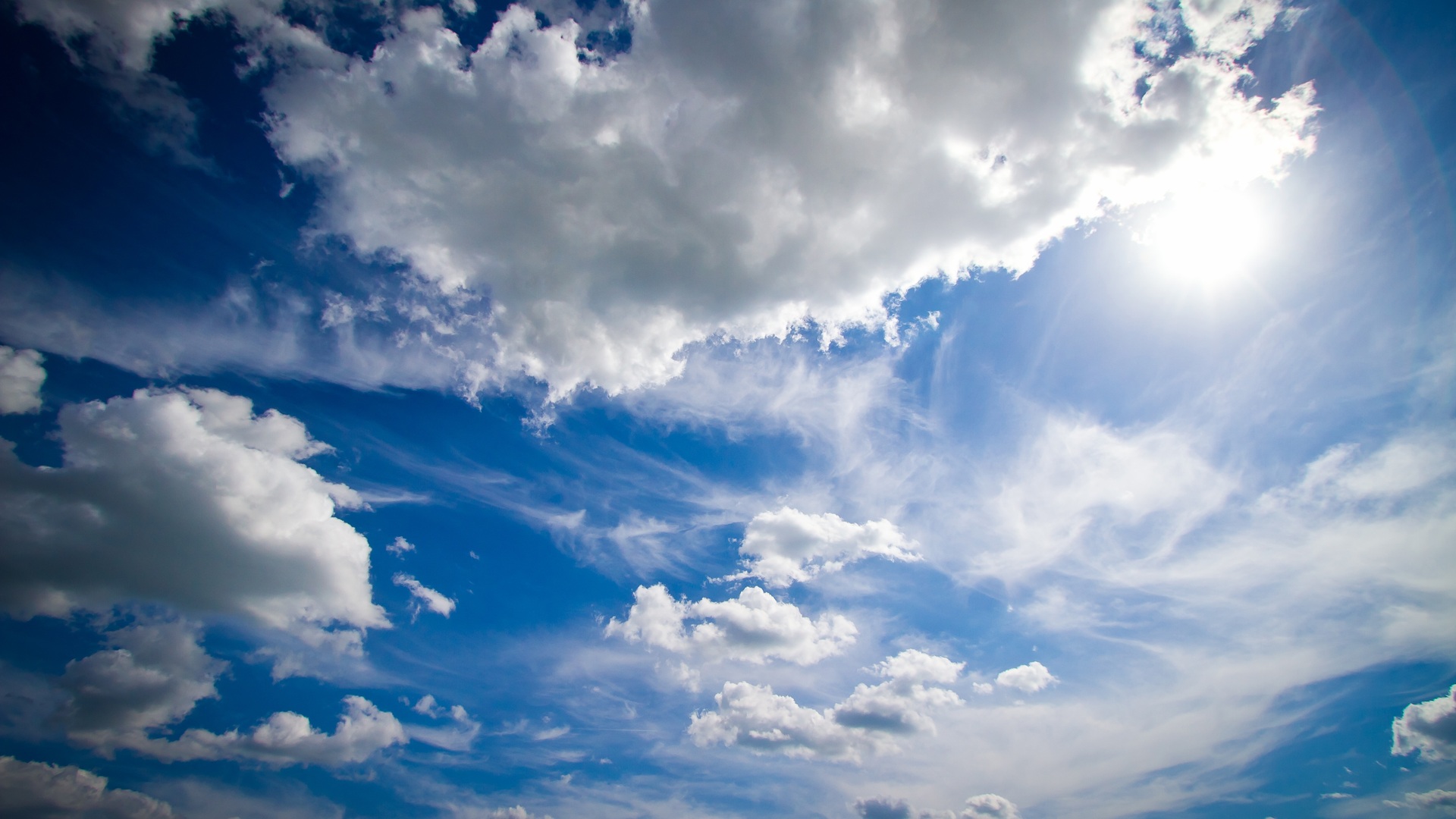
As It is quite evident from the picture that the clouds aren't that vibrant and if created animation using this picture it would't be as noticeable. Therefore I decided to download Clouds image from the internet and manipulated the image using PhotoShop. The Clouds Picture I used is given below and below that I have uploaded the manipulated picture I used to create animation.

 |
| Manipulated Image |
Animating Picture:
I used the manipulated image to create animation of clouds and i also cropped the picture so the animation would be more evident to the viewer's eye. To learn the steps required to animate any still picture I used the help of a YouTube video which gave me all the instructions necessary for animating any video. I didn't achieve the result in one trial I had to try and try again but at the end I got the result that I was looking for so the hard work finally paid off.
 |
| Learning Animation. |
 |
| Putting the learning into work. |
End Result:
I applied all the instructions that i had learned from the YouTube Video and after multiple attempts i finally completed my animation and it is given below.


Comments
Post a Comment